
Get digitally ready with Northumbria.
Learn the basics of all the apps, digital tools and software needed to help you succeed in your studies at Northumbria University.
This is the first stage of your induction so there will be some digital tools that you will not have access to yet. Once fully enrolled you will be able to access the second stage of your induction in your Blackboard programme site.
Account and Apps / Your IT account and essential apps

Student IT Induction
Your Introduction to IT at Northumbria

Duo Authentication
Authenticate and Access

IT Account
Log in and learn

OneDrive
Secure cloud storage
Your Uni email account
Office
Your Office apps
Adobe
Your Adobe Apps

Claude for Education
Your University AI Tool
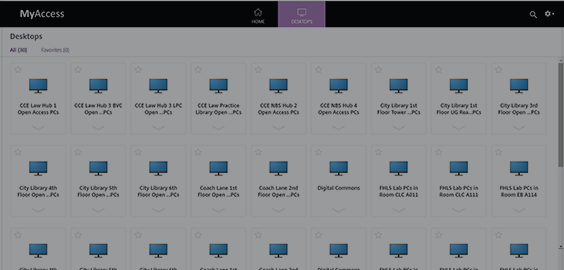

Blackboard / Your digital learning space



Panopto / Your online video hub

Assessments at Northumbria / Digital assignments, marks and feedback


Support / Get help with IT

Your Next Steps / What you can do next


Page last updated 22/05/26
